Alchemy Factory Patch Notes: v1.0.4930-v1.0.4962
Official Alchemy Factory patch notes (v1.0.4930 to v1.0.4962): Ledger profit fixes, Arcane Fountain rules, Track Sorter routing, and port 27510 change.
Quick Answer: Post-Launch Hotfix Rundown
Alchemy Factory left Early Access on September 8, 2026, and the development team shipped four hotfixes in the week after launch: v1.0.4930, v1.0.4940, v1.0.4950, and v1.0.4962. This guide breaks down every change in each patch, what it fixes for your shop, and the one infrastructure change self-hosters need to know about: the multiplayer port moved from 27015 to 27510.
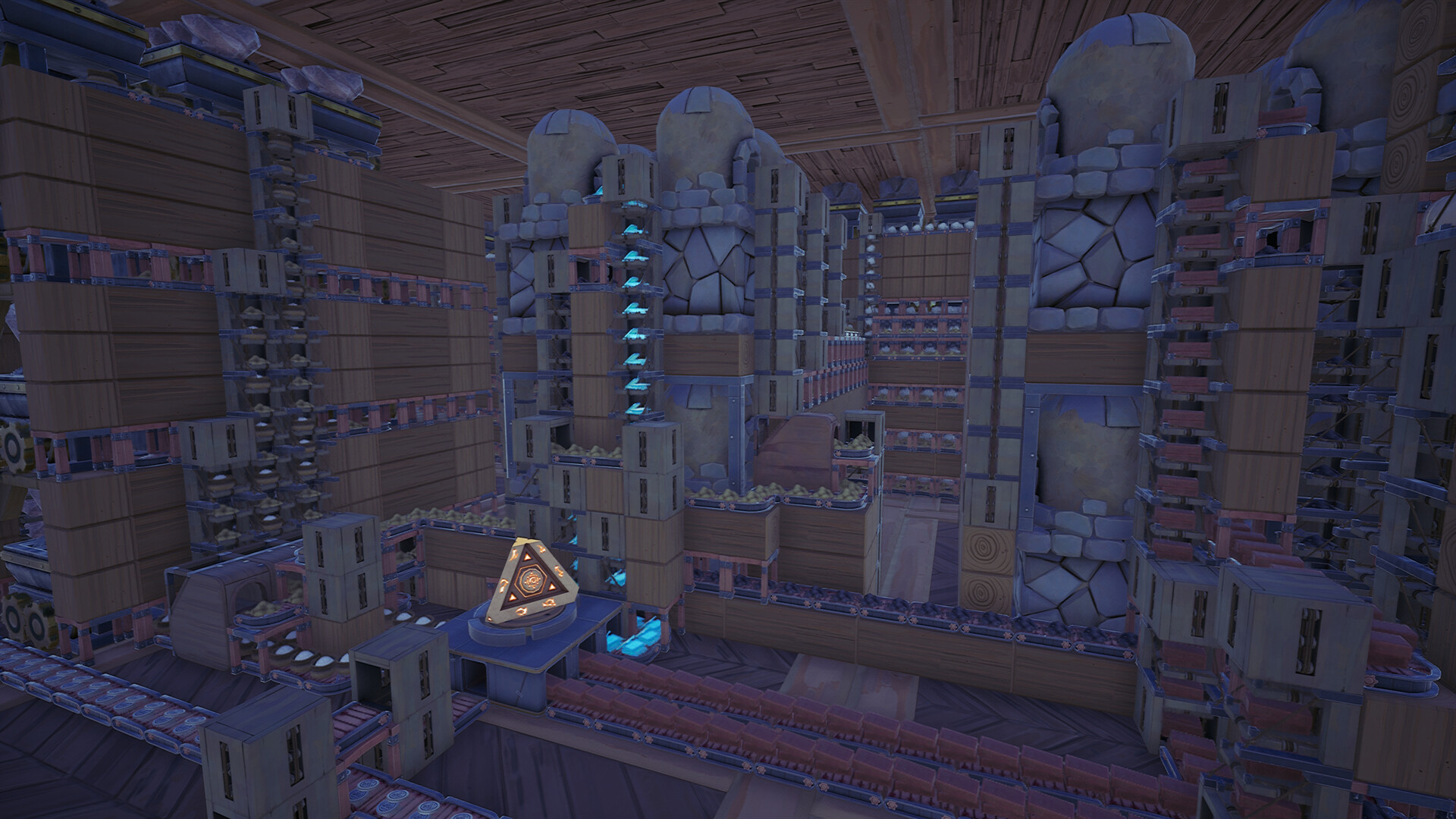
Hotfix v1.0.4962: Ledger, Fountain Input Rules, and Track Collision
Shipped on September 15, 2026, hotfix v1.0.4962 is the most recent Alchemy Factory patch. It concentrates on economy tracking, machine input defaults, building placement, and multiplayer stability.
| Issue | Resolution | Player Impact |
|---|---|---|
| Profit upgrades were not correctly calculated in the Ledger statistics | Fixed the profit upgrade calculation | Ledger profit figures now reflect upgrades correctly; note that Ledger data may be incorrect on the first in-game day after this update due to the data structure change |
| Table Saws and Stone Crushers accepted input from Arcane Fountains by default | They now reject Fountain input unless the player explicitly specifies it | Automated saw and crusher lines no longer pull unintended Arcane Fountain output, preventing mixed-material contamination |
| Curved Tracks occupied too much space | Adjusted Curved Track collision | Curved tracks can now be placed closer together, letting compact rail yards fit more switches and branches |
| Brick Walls and Marble Walls had invisible collision around their windows | Fixed the invisible collision | Doorway and window openings in brick and marble walls now path cleanly instead of blocking movement invisibly |
| New players were not guided through Shop Recognition | Added an extra Shop Recognition application step to the new player tutorial | The tutorial now covers applying for Shop Recognition, not just earning it |
| Triangular Wooden Blocks could not be unlocked in Standard Mode | Fixed the unlock | Triangular Wooden Blocks are now obtainable in Standard Mode as intended |
| Several Spanish translation errors remained | Fixed the Spanish translation errors | Spanish-language players see corrected strings |
| Players could disappear when standing on Wagon Launch Stations in multiplayer | Fixed the despawn issue | Standing on a Wagon Launch Station in co-op no longer makes your character vanish |
Hotfix v1.0.4950: Track Sorter Routing and Pre-1.0 Save Unlocks
The newest hotfix of the trio concentrates on factory logic that misbehaved after the 1.0 transition and on quality-of-life clarity in the multiplayer lobby and the in-game Manual.
| Issue | Resolution | Player Impact |
|---|---|---|
| The mirrored version of the Track Sorter had opposite route selection results | Route selection on mirrored Track Sorters now matches the expected branch | Mirrored sorter setups no longer send goods down the wrong line, so blueprinted mirror layouts can be trusted again |
| Branches of Track Sorters were hard to read | Added clearer indicators for the branches of Track Sorters | You can verify each output route at a glance before wiring a sorter into a production line |
| Workbench, Checkout Table, or Trash Barrel could have no way to unlock in old saves from before 1.0 | Fixed the unlock state for these objects when loading pre-1.0 saves | Long-running Early Access saves no longer soft-lock core shop infrastructure |
| Server names could display incorrectly and player counts could appear as negative numbers in the multiplayer lobby | Fixed lobby display of server names and player counts | Server browsers read correctly, making it easier to identify and join the right co-op session |
| Unreal Engine 5’s NNE could prevent some players from launching the game | Disabled NNE | Players whose hardware triggered the NNE launch failure can now start the game normally |
| The NPC handling Recognition applications was hard to identify | Added clearer indicators for the NPC who handle Recognition applications | Less time searching the town for the right clerk when you file a Recognition application |
| Shop Reputation documentation was outdated | Updated the Shop Reputation section in the Manual | The in-game Manual now reflects how shop reputation actually works in Version 1.0 |
Hotfix v1.0.4940: Blueprints, Upper Floors, and Multiplayer Stability
Hotfix v1.0.4940 targets the blueprint workflow, customer pathing across multi-floor shops, and multiplayer reliability.
| Issue | Resolution | Player Impact |
|---|---|---|
| A new Blueprint could not be created after editing an existing Blueprint | Fixed blueprint creation after editing | You can edit a Blueprint and immediately draft a new one without restarting the workflow |
| Customers could not properly reach upper floors | Fixed customer pathing to upper floors | Multi-story shops now receive full customer traffic on every sales level, protecting revenue from upstairs displays |
| Multiplayer sessions could crash | Fixed an issue that could cause crashes in multiplayer | Co-op sessions run more reliably, reducing lost shop progress mid-day |
| Lobby latency readings were imprecise | Improved latency detection in the multiplayer lobby | Server listings show more accurate connection quality before you commit to joining |
Hotfix v1.0.4930: Save Loading, Port Change, and Stair Pathing
Hotfix v1.0.4930 is the foundation patch of launch week, addressing save performance, connectivity, and customer navigation.
| Issue | Resolution | Player Impact |
|---|---|---|
| Large save files could take a long time to load | Fixed slow loading for large save files | Long-running factories with extensive layouts load into the session noticeably faster |
| Players could not directly invite Steam friends to join non-public rooms | Fixed direct Steam friend invites for non-public rooms | Private co-op sessions work as intended for friend groups who want a closed shop |
| A Spanish translation error shipped in the 1.0 launch build | Fixed the Spanish translation error | Spanish-language players see correct text instead of mistranslated strings |
| The game could not launch when port 27015 was already in use | The port has been changed to 27510 | Launch failures caused by port conflicts on shared or hosted machines are resolved |
| Customers could get stuck at the bottom of stairs | Fixed customer stuck states at the bottom of stairs | Foot traffic flows through stair-based shop layouts without jamming the entrance path |
Port Change Callout: 27015 to 27510
The single most operationally important change in launch week is buried inside hotfix v1.0.4930. Before the fix, Alchemy Factory could not launch when port 27015 was already in use, which is a common scenario on machines running other game servers or multiplayer titles. Rather than patch around the conflict, the developers moved the game to port 27510.
What this means for different players:
- Standard co-op players: Nothing to do. Steam matchmaking handles the new port automatically.
- Self-hosters and LAN players: If you wrote a firewall rule or port forward for port 27015, update it to 27510 or hosting will fail on the new build.
- Dedicated or shared servers: Any service that reserved 27015 can keep that reservation. Alchemy Factory no longer competes for it.
How to Apply the Hotfixes
All four hotfixes ship through the standard Steam update channel for AppID 3669570. Steam applies them automatically when the client is online; if you play in offline mode, launch Steam online once to pull v1.0.4962 before your next session. After updating, load your existing save and the fixes apply on the spot, including the pre-1.0 unlock repair for the Workbench, Checkout Table, and Trash Barrel in v1.0.4950 and the Ledger recalculation in v1.0.4962.
If any of the fixed symptoms persist after updating, the likely cause is a stale installation, so verify your game files through Steam before investigating further.
Blueprint FAQs
What port does Alchemy Factory use now? +
As of hotfix v1.0.4930, Alchemy Factory uses port 27510 for multiplayer. The previous port 27015 caused launch failures when it was already in use by another application, so the game was moved off it entirely.
Why won't my old save unlock the Workbench? +
Saves created before Version 1.0 could reach a state where the Workbench, Checkout Table, or Trash Barrel had no way to unlock. Hotfix v1.0.4950 fixes this, so update your game and reload the affected save.
My Track Sorter sends items to the wrong branch. Is that fixed? +
Yes. Hotfix v1.0.4950 fixed the mirrored version of the Track Sorter having opposite route selection results, and added clearer indicators for Track Sorter branches so you can verify each route at a glance.
Why did Alchemy Factory fail to launch on my PC? +
Unreal Engine 5's NNE could prevent some players from launching the game. Hotfix v1.0.4950 disabled NNE, which resolves the launch failure for affected hardware configurations.
Can I invite Steam friends to a non-public room now? +
Yes. Hotfix v1.0.4930 fixed the issue where players could not directly invite Steam friends to join non-public rooms, so direct invites now work for private sessions.
Why is my Ledger profit statistic wrong after updating? +
Hotfix v1.0.4962 fixed profit upgrade calculations in the Ledger. Because the underlying data structure changed, Ledger data can be incorrect on the first in-game day after this update; it corrects itself from the second day.
Why won't my Table Saw accept water from an Arcane Fountain anymore? +
Hotfix v1.0.4962 changed the default: Table Saws and Stone Crushers no longer accept input from Arcane Fountains unless you explicitly connect and specify that input. Reconnect the Fountain and set the input to restore the old behavior.